
 Download Extension
Get started by watching our demo video and discover all the potential LinkedAutomate has to offer!
Video Transcript
Hi everyone, I'm Stephanie and I'm the Head of Customer Success here at Linked Automate. Today, I'm going to guide you through how Linked Automate can help you revolutionize your LinkedIn outreach efforts.
In this training, we'll walk through how to download and register in our app, how to create a multi-messaging sequence, and explore the essential features of Linked Automate.
To get started, simply click on either of the two buttons available on our website to add the Linked Automate Chrome extension to your browser. Once downloaded, registration is quick and easy. Click on the sign-up button or use your Google email for faster registration.
One key functionality that sets us apart is that Linked Automate is the first Chrome extension that allows you to run messaging, engagement, or auto-invite campaigns without needing LinkedIn open in your browser. Once started, campaigns run continuously in the background until your daily limit is reached.
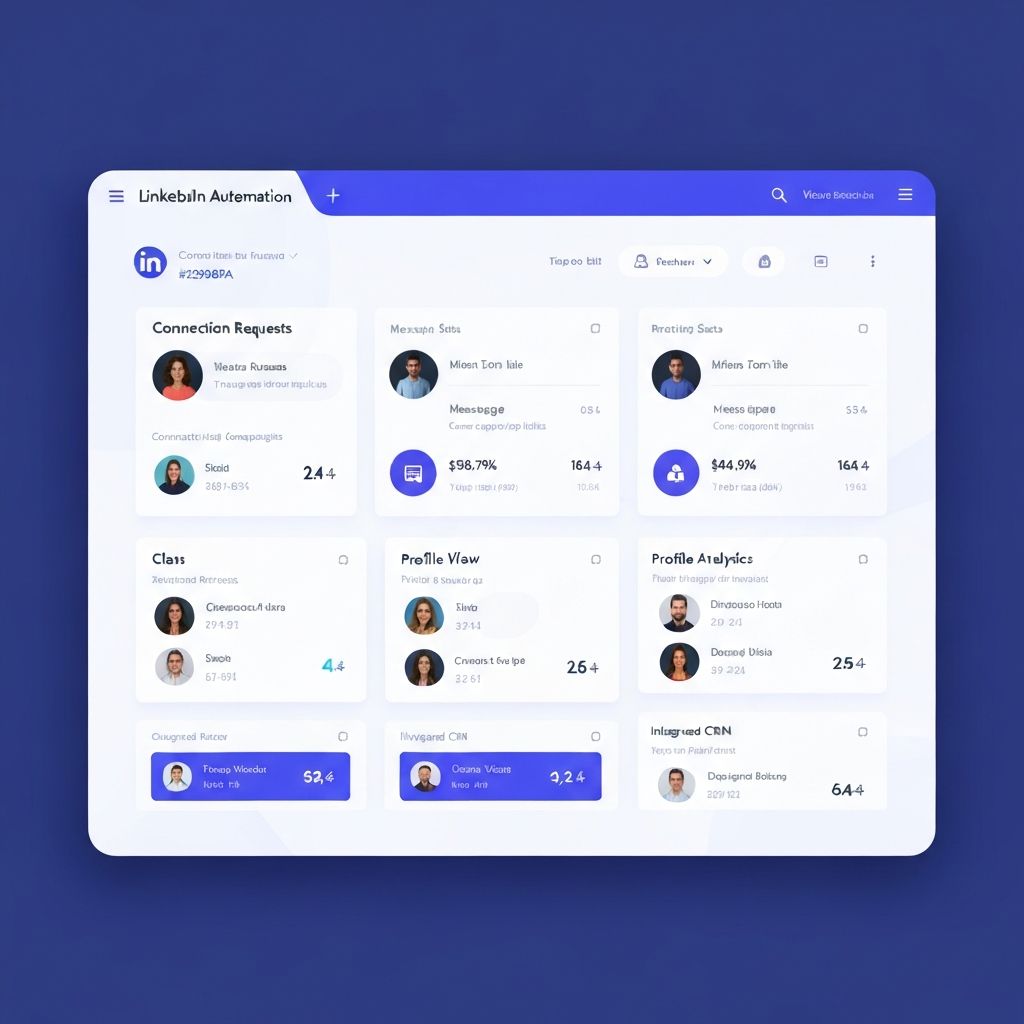
The campaign section offers four powerful options: Grow Your Network, Send Messages, View Profiles, and Auto-Like, Share, and Comment. Each campaign type allows you to create personalized, automated outreach sequences.
Try LinkedAutomate Today
Start automating your LinkedIn outreach for free. No credit card required. Join thousands of professionals already growing their network.